How to Increase Productivity at Work Without Burning Out (2026 Guide)
Modern productivity isn't about grinding harder - it's about attention management. Learn how to reduce meetings, implement time blocking, automate repetitive tasks, and protect your deep work time.
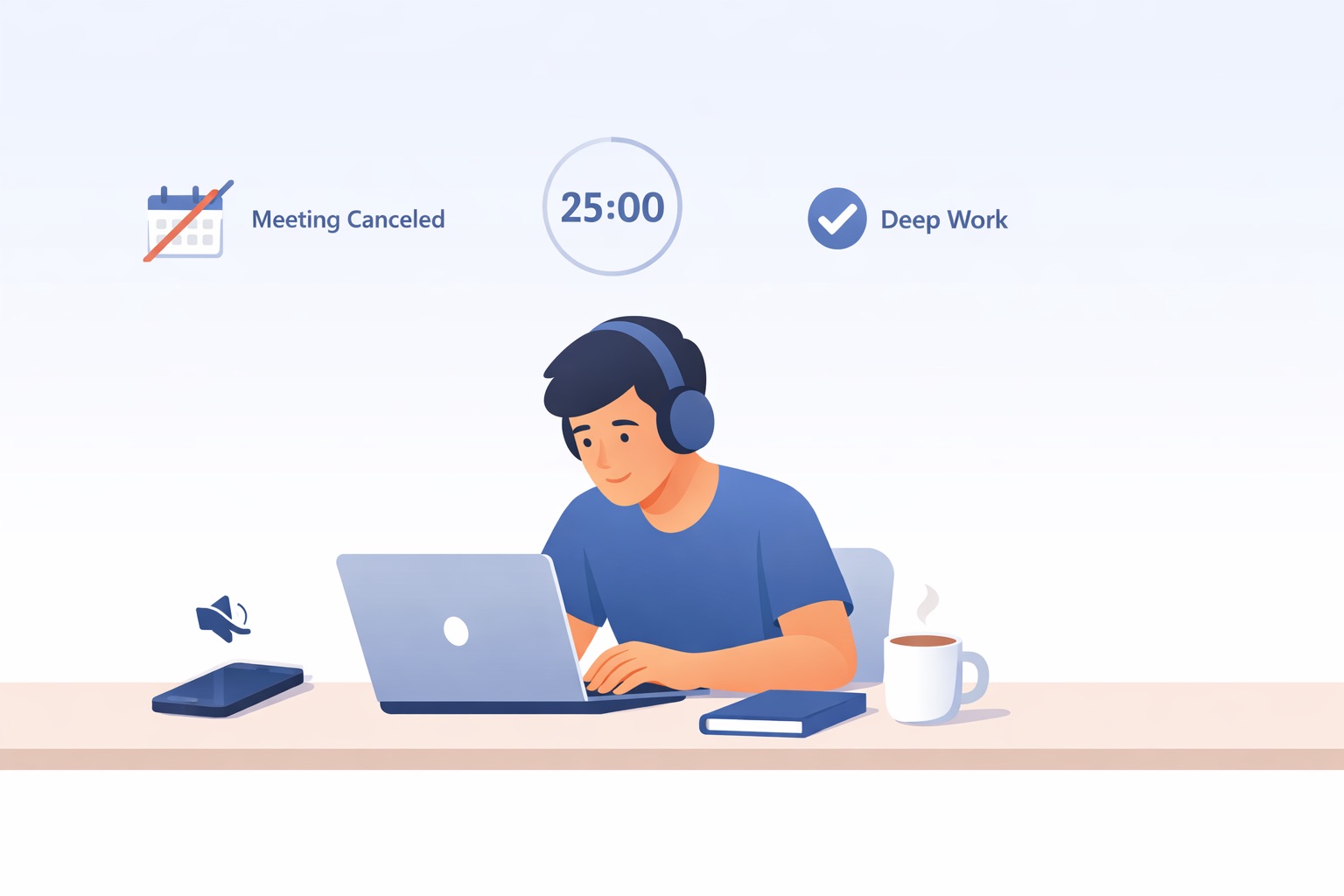
TL;DR: To increase productivity at work in 2026, focus on attention management, not just time management. Start by slashing unnecessary meetings (the average worker attends 25 per month), implement time-blocked deep work sessions, automate repetitive tasks, and visualize your workflow with a Kanban system. The goal is working smarter through better workflow design, not grinding harder.
Why Traditional Productivity Advice Isn't Cutting It Anymore
If you've read productivity advice that boils down to "just try harder" or "wake up at 5 AM," you're not alone in feeling frustrated. Modern work looks nothing like it did a few years ago, and the strategies need to reflect that.
Here's the shift: modern productivity isn't about squeezing more hours out of your day. It's about attention management - protecting your ability to focus deeply on work that actually matters.
The numbers paint a stark picture. Organizational meeting volumes have grown 6x in just two years, and only 39% of tracked work time goes toward deep focus. Meanwhile, 93% of employees admit to wasting at least 30 minutes daily with internet browsing and social media. But here's the important part: 53% of employees take unofficial breaks specifically to recharge because they're cognitively exhausted.
Your brain isn't broken. Your workflow probably is. The traditional advice assumes you have control over your calendar and interruptions. Most of us don't. That's why the 2026 approach to productivity focuses on what you can actually control: eliminating unnecessary meetings, protecting focus time, and automating repetitive work.
How to Reduce Meetings and Save Time
The average employee now attends roughly 25 meetings per month, and 70% are recurring. That's staggering time spent talking about work instead of doing it. Meeting overload isn't a personal time-management failure - it's a workflow design problem.
Here's how to take action:
- Open your calendar and identify every recurring internal meeting.
- Ask one question for each: "Does this need real-time discussion, or could it be an async update?"
- Convert at least 30% of those meetings to asynchronous updates.
For example, replace a weekly 45-minute status meeting with a Friday afternoon update in Slack using this format: what you completed this week, what's coming next, and any blockers. This simple shift lets people catch up on their own time without derailing anyone's deep work. Tools like Clockwise or Google Workspace Insights show exactly how fragmented your focus time is - the results are usually eye-opening.
Time Blocking and Deep Work Techniques
Willpower alone won't protect your focus. You need to engineer it into your schedule so that protection becomes automatic rather than something you have to think about every day.
Here's how to set up deep work blocks:
- Block a two-hour window on your public calendar labeled "Deep Work - Do Not Book."
- Run four Pomodoro cycles during that window: 25 minutes of intense focus followed by a 5-minute break.
- Close everything else. Email, Slack, your phone. All of it goes silent during those 25-minute sprints.
When teammates see "Deep Work" on your calendar, most will respect it like a client meeting. Tools like Forest and Motion help - Forest gamifies focus by growing a virtual tree, while Motion uses AI to automatically block focus time before deadlines. (See this guide to productivity tools for more options.) Start with one deep work block per day, then expand to two once it becomes a habit. You'll be amazed how much meaningful work fits into those protected hours compared to a fragmented day.
Automate Routine Tasks to Reclaim Your Day
How much of your workday is spent on tasks a computer could handle? Manual data entry, sending follow-up emails, or copying information between apps? You're leaving hours on the table that compound over months and years.
Quick automation wins:
- Weekly reports: Set up automation that pulls data from analytics and posts a summary in your team channel every Monday morning instead of manually compiling numbers.
- Client follow-ups: Use email scheduling tools to send follow-ups automatically after meetings, so you never forget a prospect.
- File organization: Create rules that automatically sort incoming files or emails into the right folders based on triggers.
Tools like Zapier and Make.com let you connect apps without coding. Even native integrations in Slack or Teams handle simple automation. The key isn't automating everything - it's automating repetitive tasks so your brain stays fresh for creative and strategic work. If you're doing the same task more than three times the same way, it's automation-eligible.
Start small with one automation and watch how many hours it reclaims over a month. Then add more.
Visualize Your Workflow with Kanban
If you're managing projects through email threads or mental checklists, context-switching is silently destroying your productivity by forcing your brain to reload project details repeatedly. A Kanban system makes work visible and limits how much you juggle at once, which dramatically reduces that cognitive cost.
Create a board with columns:
- Backlog - everything that needs to happen eventually
- Up Next - what's coming soon
- In Progress - what you're actively working on
- In Review - waiting for feedback
- Completed - done
The one rule that changes everything: Enforce a strict Work In Progress (WIP) limit. No more than two tasks in "In Progress" at once. This forces you to finish things before starting new ones, which is the antidote to the scattered day. Tools like Trello or Asana make this easy, though even a physical board with sticky notes works. For freelancers and solopreneurs, a simple Trello board with these five columns can transform how you manage your week and help you actually finish projects instead of perpetually juggling them.
The Digital Detox Zone
One emerging solution to cognitive overload? Designate a tech-free space designed to help you recharge intentionally. If you work from home, use a specific chair or corner as your no-screen zone for brainstorming, reading, or genuine breaks. The physical separation from screens helps your brain reset in ways that phone scrolling simply doesn't.
Do's and Don'ts for Sustainable Productivity
ttime
Your work tracks itself. You track the revenue.
Tools
Pomodoro TimerAmbient NoiseTime Card GeneratorMeeting Cost CalculatorProject Cost Estimate CalculatorWorking Days CalculatorFreelance Job FinderBlog
Latest ArticlesThe Freelancer's Guide to Retirement PlanningHow to Say No to Client Requests Without Burning BridgesHow to Negotiate a Rate Increase With Existing ClientsHow to Fire a Bad Client Professionally (And Walk Away Clean)Freelance Contracts 101: Clauses You Should Never Skip© 2026 ttime. All rights reserved.
Built with ♥ for freelancers, by freelancers.