How to Use OpenClaw: 15 Autonomous AI Workflows for Freelancers
OpenClaw is a self-hosted autonomous AI agent that runs 24/7. Here are 15 exact workflows, prompts, and integrations freelancers can use to automate everything from client CRM updates to GitHub pull requests.
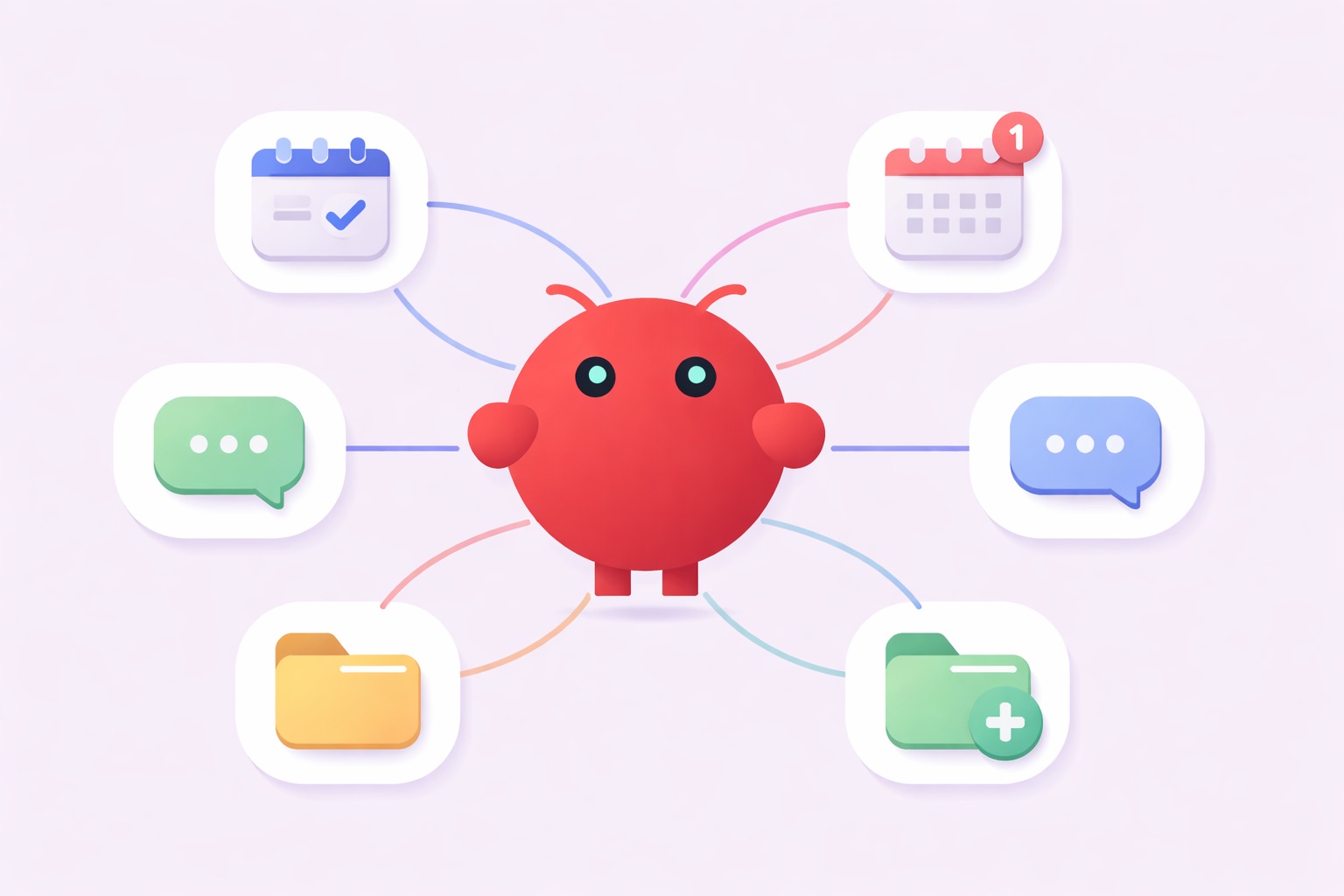
TL;DR: OpenClaw is a powerful, self-hosted autonomous AI agent that runs locally and automates complex freelance tasks 24/7. By leveraging OpenClaw workflows and integrations like Composio, freelancers can turn this tool into a tireless AI employee that handles everything from coding pull requests to client CRM updates. For maximum security, always run it on a dedicated, air-gapped machine.
If you have been relying on standard chat interfaces to get your work done, you are missing out on the power of true autonomous AI. OpenClaw, formerly known as Clawdbot or Moltbot, is a self-hosted AI runtime created by Peter Steinberger. Unlike cloud wrappers that wait for your prompts, OpenClaw lives on your machine - it has terminal and file system access, and it executes tasks around the clock without a human in the loop.
You connect to it primarily via messaging apps like Telegram, Slack, and WhatsApp. For freelancers, this bridges the gap between static generative AI and a highly functional AI employee. If you are still in the setup phase, start with the full OpenClaw setup and productivity guide before diving into these workflows. Once you are running, here are 15 practical examples to unlock its full potential using plugins like Composio, the Notion API, and the gog CLI.
Before You Start: Do's and Don'ts
Because OpenClaw has deep system access, a few ground rules will save you from serious headaches.
Admin and Project Management Workflows
Consultants and general freelancers spend hours every week on administrative work. Here is how OpenClaw can take over the busywork.
1. Automated Morning Meeting Prep
Instead of scrambling before a client call, let your AI assistant prepare your notes. Install the gog CLI tool for Google Calendar integration, then prompt OpenClaw via Telegram: "Every morning at 7 AM, read my daily meetings and build a prep doc with web research on the companies I'm meeting. Schedule a ping 15 minutes before each one." You show up informed every time.
2. Autonomous To-Do Tackling
Connect OpenClaw to Things 3 via a local AppleScript, or hook it up to the Notion API. Set up a background cron job where OpenClaw reads your task list at 6 AM, identifies one to three low-level research or writing tasks, completes them, and outputs a summary document by the time you wake up.
3. CRM Auto-Updating via Notion
Data entry is a massive time sink. Install the Notion integration from ClawHub, then simply forward client emails to OpenClaw via WhatsApp using the command: "Extract the action items and deliverables from this thread and update the Active Clients database in Notion." Zero manual entry required.
4. Weekly Reflection Dashboard
Freelancing can be isolating, and staying focused on your goals matters. Set up a recurring prompt trigger in your OpenClaw configuration so it DMs you every Friday at 8 AM asking for your progress, biggest blockers, and mood. It logs every response to a local markdown file, building a personal mission control dashboard over time.
5. Inbox Zero and Triage
Email management can easily consume your entire morning. Use the Composio Gmail integration to command OpenClaw to evaluate unread emails every 4 hours, label them by urgency, and draft replies for routine inquiries directly into your Drafts folder. You just review and hit send.
Code and Technical Operations Workflows
For developers, OpenClaw functions like a junior engineer who never sleeps. Because it has terminal access, it can actively fix issues in your codebase.
6. Sentry Error Resolution and PR Creation
Nobody likes waking up to server errors. Expose a local webhook to receive Sentry alerts directly to your agent. When Sentry flags an app crash, OpenClaw captures the payload, reads the local repository, resolves the bug, and autonomously opens a Pull Request on GitHub.
7. Reverse Engineering and Packet Parsing
If you work in cybersecurity or advanced networking, load the Reverse Engineering OpenClaw Skill. Drop a binary file or a .pcap file into OpenClaw's workspace and it acts as a network analyst - decoding binary protocols and outputting clean parsers with full API documentation.
8. Automated Frontend Prototyping
Say goodbye to generic boilerplate UI. Install the Frontend Design Skill to force the agent into generating modern, production-grade layouts. Prompt it: "Build a React landing page with a brutalist aesthetic for a SaaS product." OpenClaw generates UI files directly to your local /src directory.
9. Automated Code Reviewer
Code reviews are essential but tedious. Use the Composio GitHub integration to set a webhook so OpenClaw reviews all incoming Pull Requests, leaving inline comments for stylistic issues and checking for test coverage before you ever touch the code. If your GitHub profile is also part of your marketing, treating your activity as a portfolio compounds the visibility benefit.
10. Cron-Based System Maintenance
System upkeep is easy to forget until something breaks. Schedule OpenClaw to run npm update, execute your local test suite, and clear outdated Docker containers every Sunday at 2 AM. Silent automation that keeps your environment healthy without interrupting your week.
Content, Research, and Creation Workflows
Writers, marketers, and creatives can use OpenClaw to build a content engine without hiring a team.
11. Multi-Agent Discord Content Pipeline
Connect OpenClaw to a private Discord server and assign different agents to different channels. Set up an agent in #tweet-alerts to scrape X for trending niche topics every 2 hours, a second agent in #research to automatically unpack those topics, and a third in #scripts to draft YouTube or TikTok outlines. Three agents, one pipeline, zero meetings.
12. Air-Gapped Competitor Research
Gathering competitor intel takes hours of digging. Use the Exa Search integration on your isolated burner machine, then prompt: "Deep dive into [Competitor Name]. Search their pricing page, press releases from the last 3 months, and Reddit reviews. Compile a markdown report." Done while you sleep.
13. Audio Transcription and Meeting Notes
Stop paying for expensive transcription services. Add the OpenAI Whisper Skill to your OpenClaw setup. Drop an .mp3 of a client call into your Telegram chat and the agent will transcribe the audio, extract key deliverables, and push the formatted notes directly to your Notion workspace.
14. Daily Up-Skilling Lesson Plans
Continuous learning is vital for independent professionals. Command the agent: "Build a 30-day lesson plan on LLM architecture. Every morning at 7 AM, send me the day's lesson via Telegram." You get a structured curriculum delivered daily with zero ongoing effort on your part.
15. Cross-Channel Persona Management
You likely have different tones for different clients and personal projects. Configure OpenClaw with isolated sessions per messaging channel - connect it to Slack for strict, professional client communications and to Telegram for your casual unfiltered personal assistant mode.
The common thread across all 15 of these workflows is that they run without you. Once configured, OpenClaw handles the execution while you focus on the high-value work only you can do.
Frequently Asked Questions
ttime
Your work tracks itself. You track the revenue.
Tools
Pomodoro TimerAmbient NoiseTime Card GeneratorMeeting Cost CalculatorProject Cost Estimate CalculatorWorking Days CalculatorFreelance Job FinderBlog
Latest ArticlesThe Freelancer's Guide to Retirement PlanningHow to Say No to Client Requests Without Burning BridgesHow to Negotiate a Rate Increase With Existing ClientsHow to Fire a Bad Client Professionally (And Walk Away Clean)Freelance Contracts 101: Clauses You Should Never Skip© 2026 ttime. All rights reserved.
Built with ♥ for freelancers, by freelancers.